Skip to content
MCalC
What can $5 save you?
HOW IT WORKS
FEATURES
ABOUT
Log in
Sign up
Search
Search for:
MCalC
What can $5 save you?
Close menu
HOW IT WORKS
FEATURES
ABOUT
Log in
Sign up
MCalC
What can $5 save you?
Toggle menu
Search for:
How it works
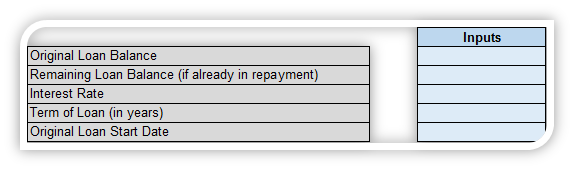
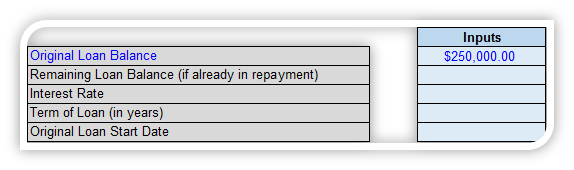
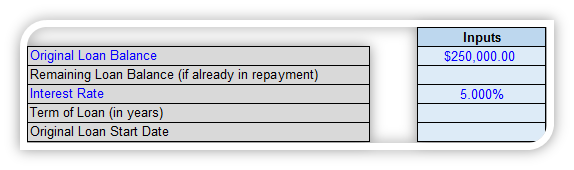
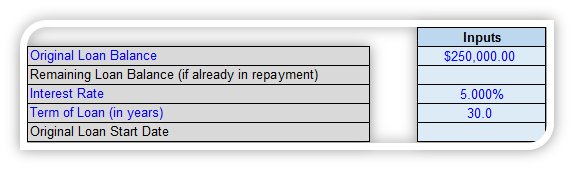
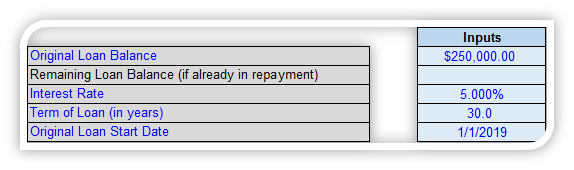
Once you set up your account and login, you start with a few simple inputs.
Those inputs will show you your monthly payment and
interest paid during the life of the loan.
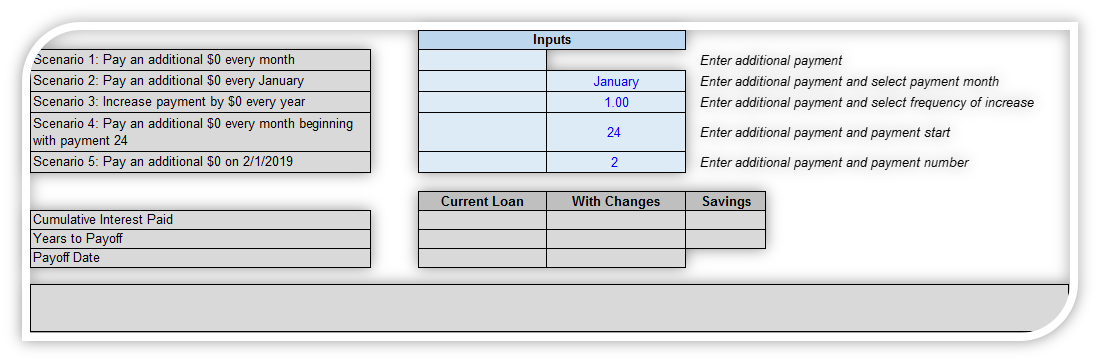
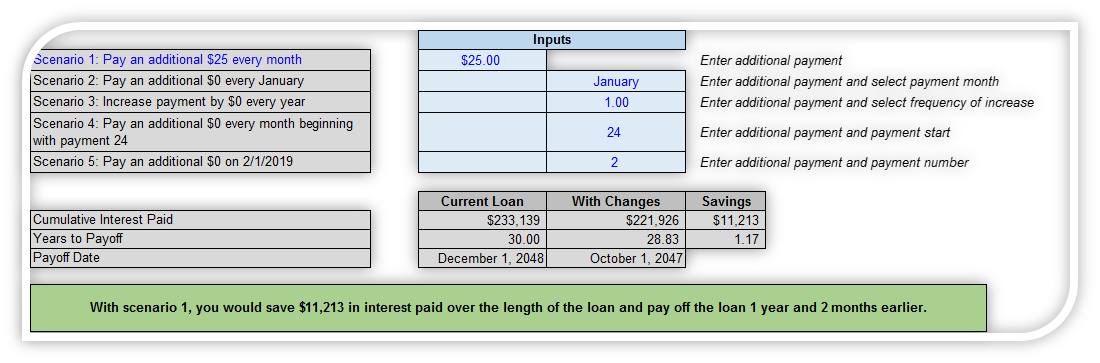
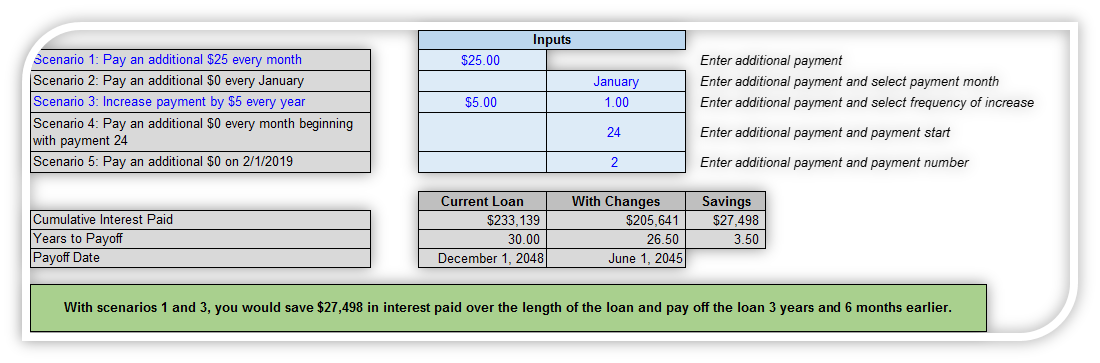
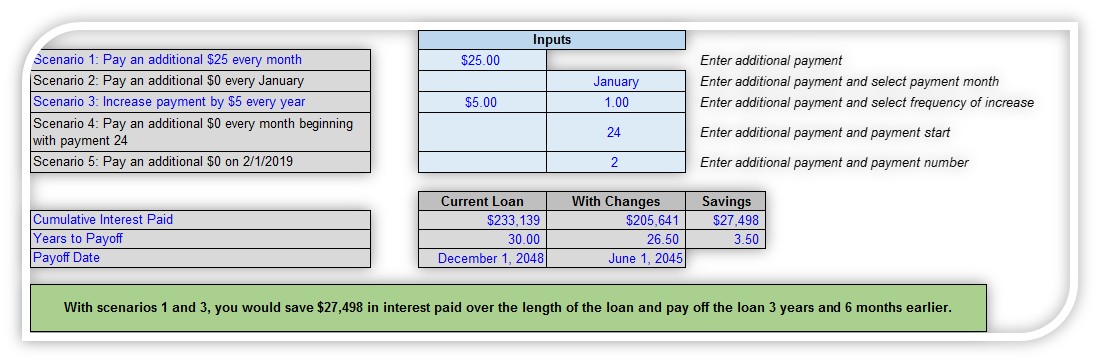
Then, you can start testing the impact of any of the five additional payment scenarios.
The text box in green will
summarize your savings potential.
But you can also look at the exhibit
to see the actual dollar amounts.
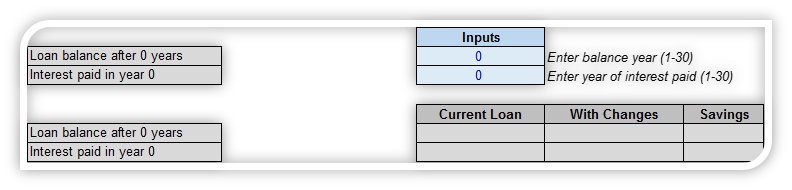
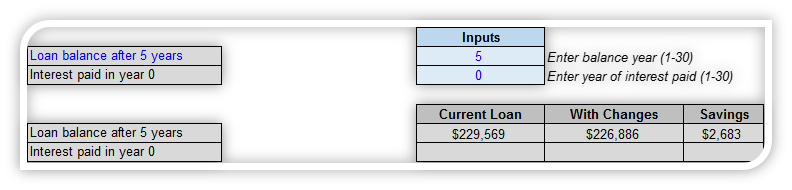
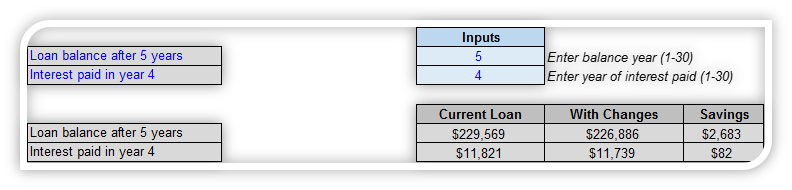
You can then check your balance or
how much interest you paid in any specific year.
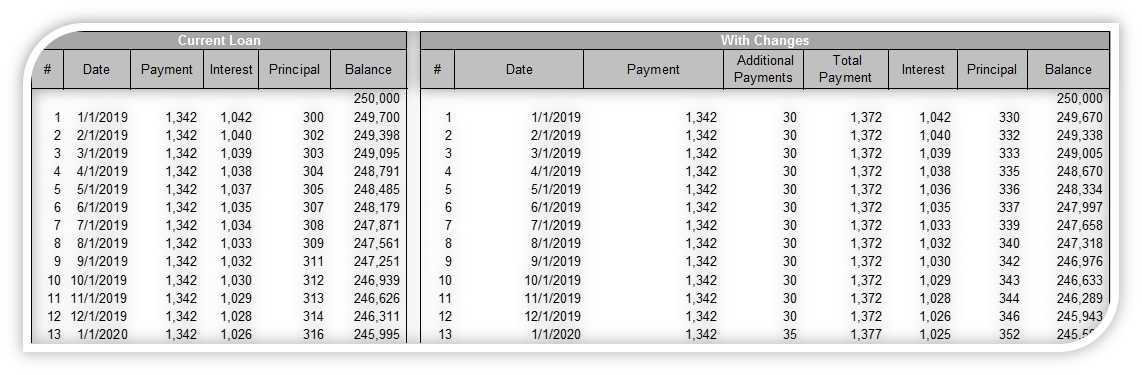
Or you can scroll through the amortization table to see your additional
payments at work, and what it does to your loan balance.
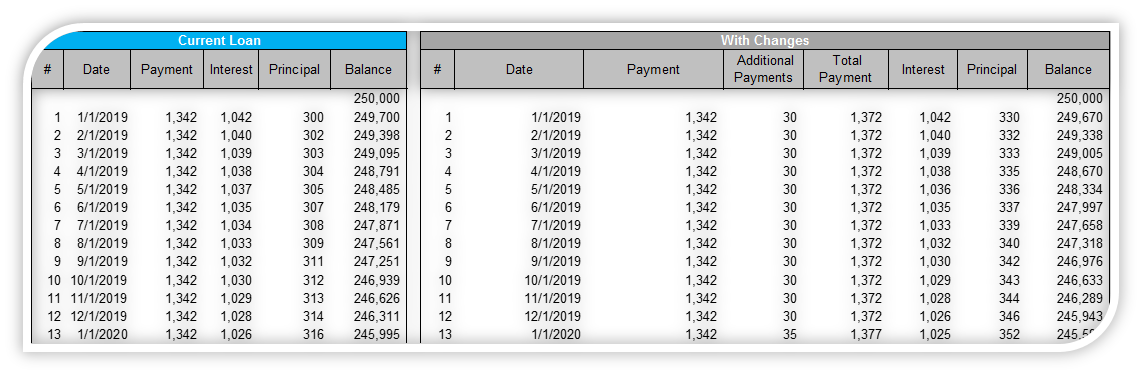
It can help you visualize what your current and
future payments look like.
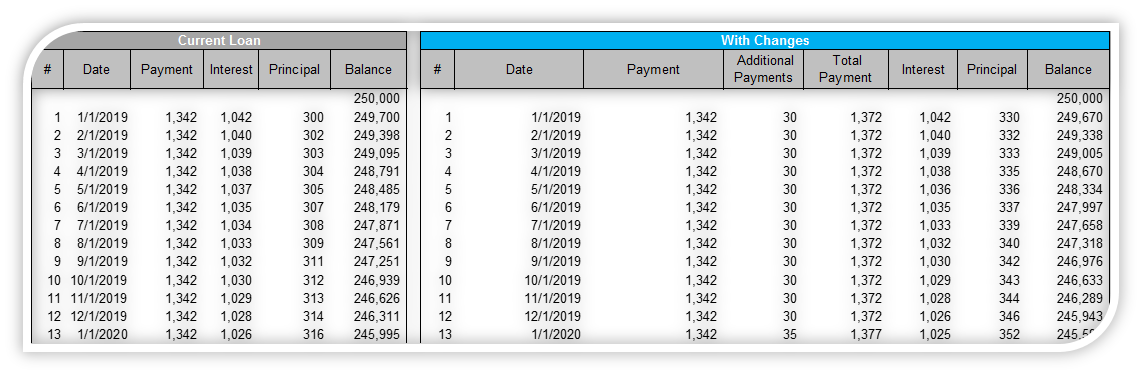
And also compares that to your loan
as if you never made any changes.
In summary
New loan or already in repayment.
Five payment scenarios.
Easy to read results.
Paying off a loan is not simple, but understanding your options should be.
Get started now